Plan your QuickPage content before you design
Code: NP-BLO-00009-1
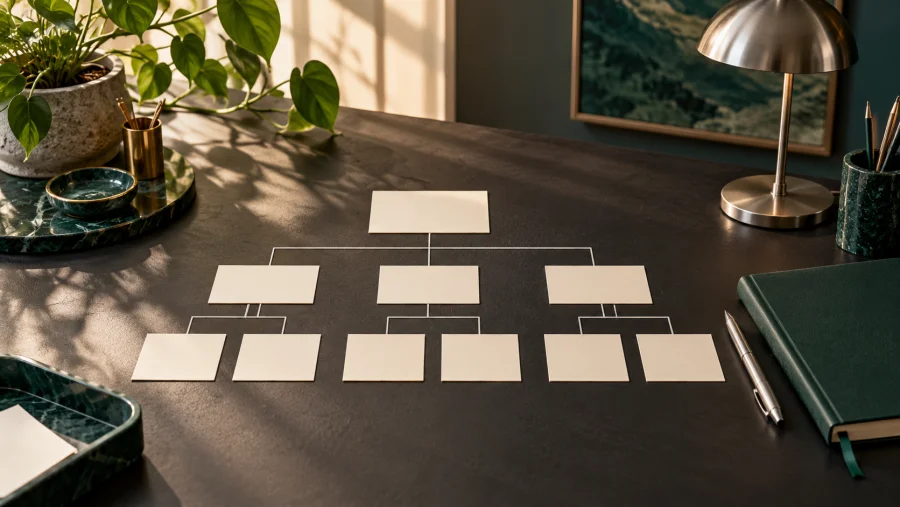
The easiest website to maintain is one with a clear content plan. Before choosing a layout, decide what your visitors need to learn and where each piece of information belongs.
Start with four essential pages
Home introduces your offer. About explains who is behind it. The blog shares useful knowledge. Contact makes the next conversation easy. Give each page its own job and avoid repeating the same long introduction everywhere.
Write the questions first
List the questions people ask before working with you. Turn each answer into a short section. Use headings that describe the answer rather than vague labels. Clear language helps readers scan and gives you a useful outline for design.
Use dynamic records for recurring content
Blog articles belong in QuickPage's Dynamic Content system. Keep the title, excerpt, body, category and featured image in their dedicated fields. A shared content type lets your blog listing and homepage show the same articles without manually copying cards.
Choose categories people understand
Start with a small number of useful topics. Add a category when it helps readers find related articles, not merely because a new post needs a label. Keep spelling and capitalisation consistent.
Prepare images with a purpose
Each image should explain the topic or set a relevant mood. Store images in their dedicated fields, keep file names descriptive and check the published crop. Avoid placing image tags inside a text editor when a native image field is available.
Keep a simple publishing checklist
Check the title, excerpt, links, category, image and public page before announcing a post. A repeatable checklist makes future updates faster and keeps the site consistent.
I help businesses turn ideas into websites they can keep improving. Visit the Contact page to discuss your QuickPage project.